
Stop Overpaying on Shipping: How to Save on Shipping When Buying Cards on eBay
If you buy Pokémon singles the obvious way, one card at a time from whoever is cheapest on each, you are almost certainly overpaying. Not on the cards themselves, but on shipping. The single biggest way to save on shipping when buying cards on eBay isn't hunting for free-shipping listings; it's buying more of your list from fewer sellers, so you pay one shipping fee instead of ten.
This is the hidden tax on collecting from a marketplace with thousands of independent sellers. Below is why the "cheapest per card" instinct backfires, and how to think in orders instead.
Why the lowest price on each card costs you more
Say your want-list has ten cards. You open ten tabs, find the cheapest copy of each, and check out. It feels optimal, you got the best price on every single card. But each of those cards ships separately, and most sellers charge somewhere between $0.50 and $2 to ship a single (or a flat handling fee that amounts to the same thing).
Ten cards from ten sellers can mean ten shipping fees. At $1–$2 each, that's $10–$20 in shipping stacked on top of your cards, often more than you "saved" by chasing the lowest price on each one.
The math that flips the decision: a card that's $0.50 cheaper at Seller A isn't cheaper if buying it there adds a whole extra $2 shipping fee to your order. You'd have paid $1.50 more overall than buying it from Seller B, who already had four other cards on your list.
The lowest sticker price on a card and the lowest cost to get that card to your door are two different numbers, and the gap between them is shipping. Optimizing the first while ignoring the second is how careful buyers quietly overpay.
Think in orders, not individual cards
The fix is a mindset shift: stop optimizing card by card and start optimizing the whole basket. The question isn't "who's cheapest on this card?" It's "what combination of sellers fills my whole list for the lowest total, shipping included?"
Concretely, that usually means:
- Consolidate around sellers who carry a lot of your list. If one reputable seller has eight of your ten cards, buying all eight together beats scraping the absolute lowest price on each, once you add per-seller shipping back in.
- Count the shipping fee as part of each card's price. A card is only "cheaper" somewhere else if the saving survives the extra shipping fee that a new seller adds to your order.
- Watch for combined-shipping discounts. Many sellers ship additional cards in the same order for free or a few cents. That's the entire reason consolidating works, and it only kicks in when you buy multiple cards from one seller.
Fewer orders is a win beyond the shipping line, too. Fewer packages to track, fewer sellers to vet, and fewer chances for something to go wrong in transit or a listing to be misrepresented. (For how to vet each of those sellers, see the complete guide to buying Pokémon cards on eBay safely.)
Doing this by hand is the hard part
The logic is simple. The arithmetic is not. To actually find the cheapest way to buy a ten-card list, you'd have to price every card against every seller who has it, add each seller's shipping, and then search across all the combinations for the mix that minimizes the total. That's a small optimization problem, and no amount of open tabs and a spreadsheet solves it well by hand, especially once your list runs to twenty or thirty cards.
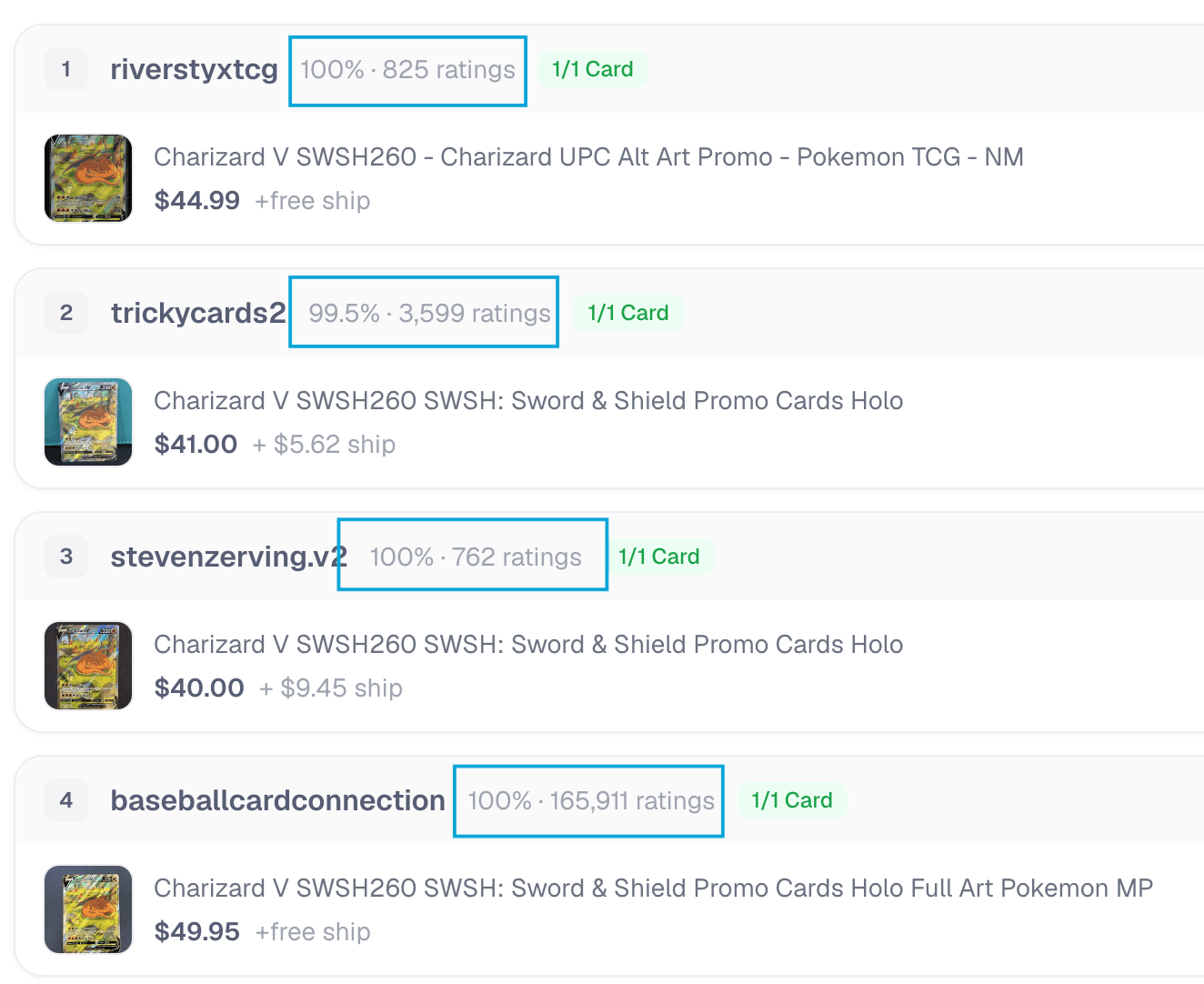
This is exactly the problem Capyberry was built to solve. Paste your whole want-list (or a full decklist) and it searches every card across eBay at once, groups the results by seller, and works out which combination of sellers fills your list for the lowest total cost, counting each seller's shipping and their reputation, not just the sticker price on each card.
Two ways to buy the list: cheapest total vs. fewest sellers
Consolidating isn't always about hitting one single number. Sometimes you want the rock-bottom total; sometimes you'd happily pay a couple dollars more to deal with two trusted sellers instead of five. So Capyberry gives you two ready-made buying plans for any list:
- Price — the cheapest total. This plan minimizes what you pay overall, cards plus all shipping combined, even if it means a few more sellers.
- Coverage — the fewest reliable sellers. This plan fills as much of your list as possible from as few well-rated sellers as it can, trading a little money for fewer packages and fewer sellers to trust.
Most of the shipping savings shows up the moment you stop buying card-by-card and pick either plan. Which one you choose just depends on whether you're optimizing for the last dollar or for a simpler, lower-risk checkout.
The takeaway is small but it compounds on every order: the cheapest price on each card is rarely the cheapest way to buy your list. Buy in orders, treat shipping as part of the price, consolidate around reputable sellers who carry a lot of what you need, and let the totals, not the individual stickers, decide where each card comes from.
Ready to shop smarter? Paste your want-list and let Capyberry find the best way to buy your whole list.